The easiest way to play Revs is online. The "Play online" links below will run the game right here in your browser, using the JSBeeb emulator.
Full instructions can be found in the Revs Formula 3 Driver's Handbook (PDF). The Micro User Guide to Playing Revs is also a great read.
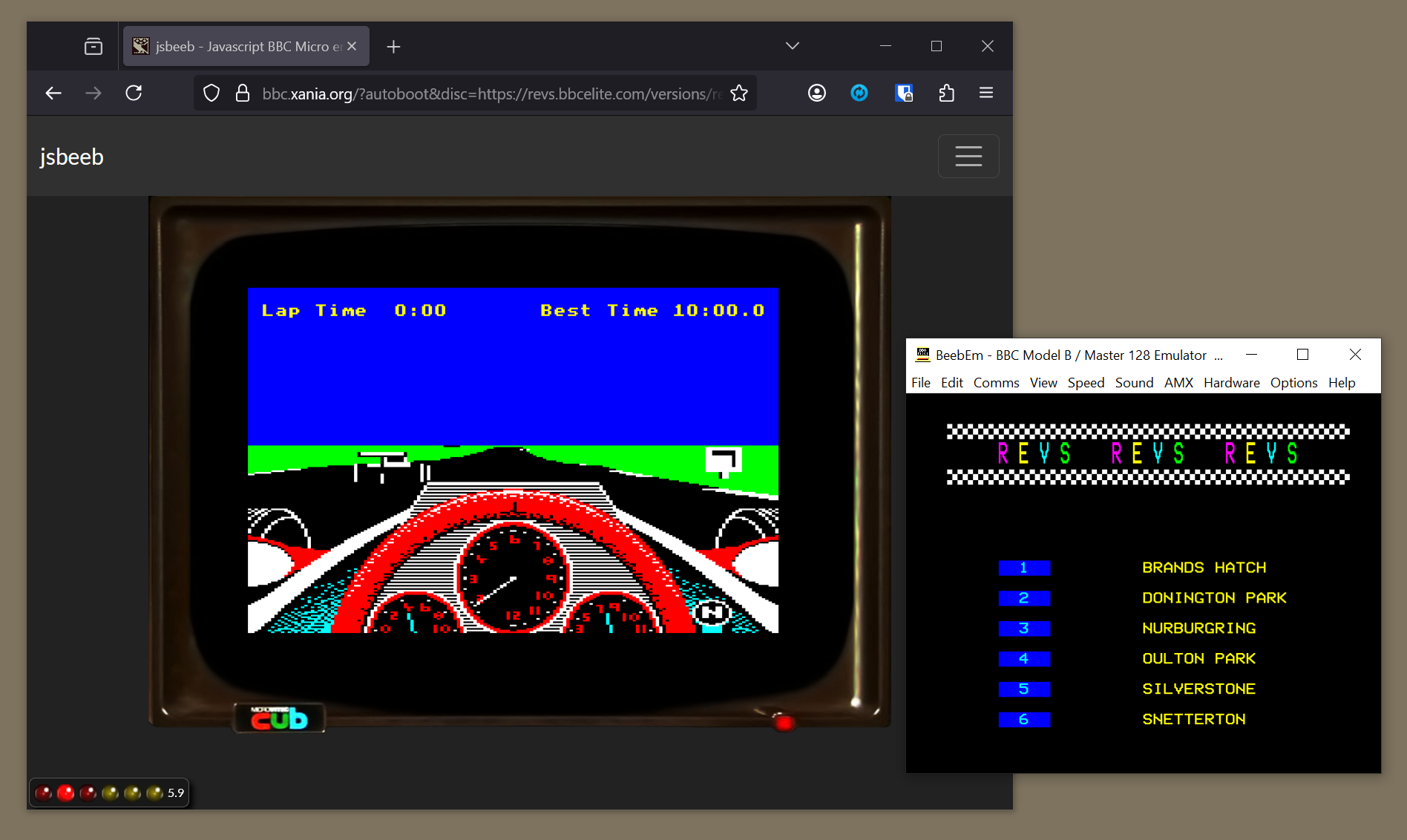
Note that modern keyboards don't have the same range of keys as the BBC Micro, or even the same layout. In particular, BBC keys like f0 and COPY don't tend to exist anymore, so you may have to check the documentation to see which keys you should press instead. In JSBeeb you should press f10 instead of f0, for example.
If you want to play the game on a real vintage computer or in an emulator that you've installed on a modern machine, then there are links below to the relevant disc images. To play Revs with an SSD disc image, load the disc image into drive 0 and press SHIFT-BREAK.
Finally, Revs turns on the BBC Micro's video interlace, and this can cause some issues with modern monitors and video scalers. If your display needs interlace to be turned off, you can download Patrick Moore's updated versions of Revs that fix this issue.
Playing Revs+
-------------
The following version is recommended, as it contains all five tracks from the original BBC Micro version, plus the Nürburgring that's been backported from the Commodore 64 version.
- BBC Micro Revs+
The game itself is the same as the Superior Software version, so it contains support for computer assisted steering (CAS), for example.
Playing the original versions
-----------------------------
The following versions are more suitable if you're after the original 1980s Revs experience.
- BBC Micro Revs (Acornsoft SNG43)
- BBC Micro Revs 4 Tracks (Acornsoft SNG44)
- BBC Micro Superior Software Revs